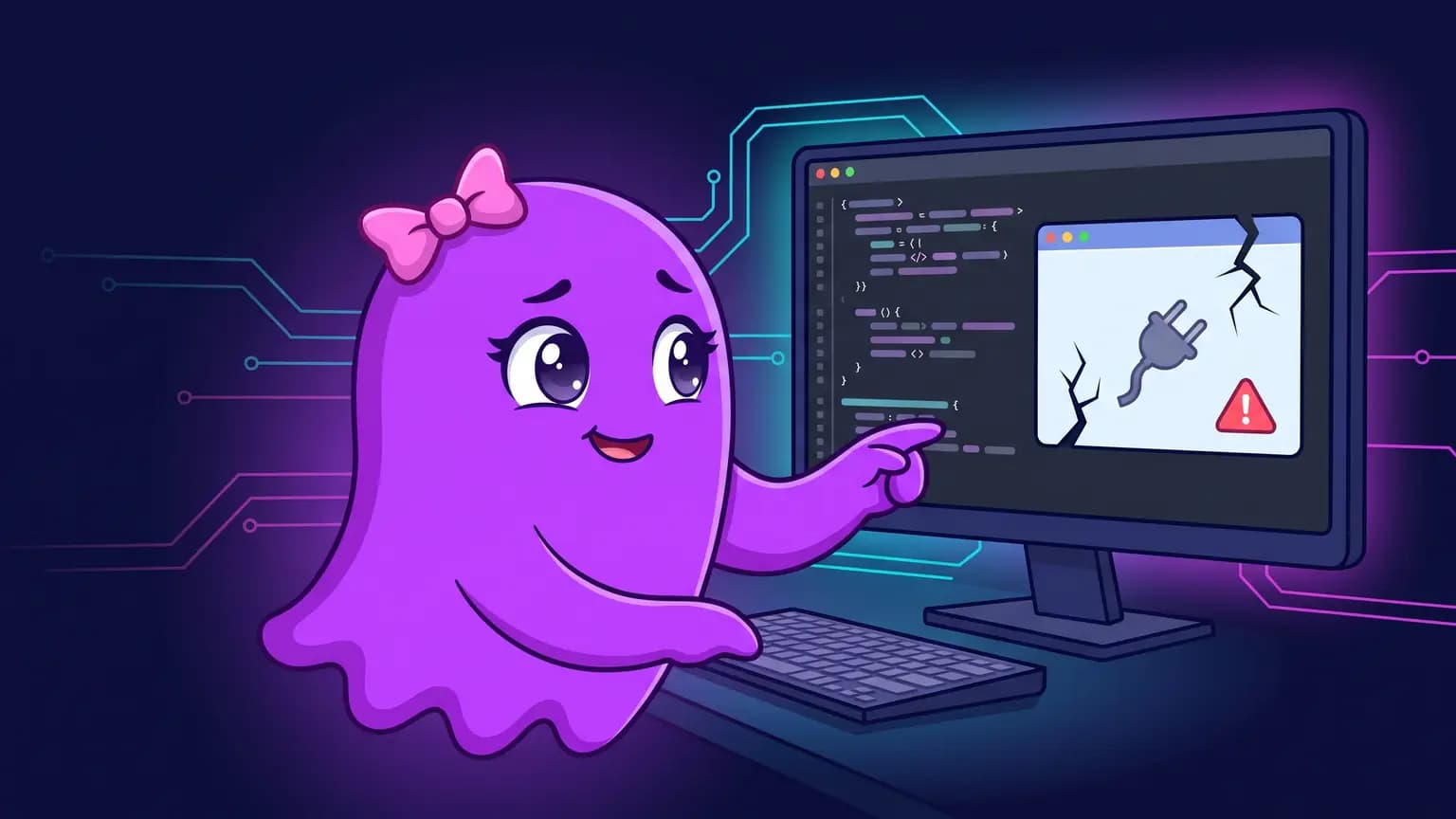
The browser shows up in the list. So do the tabs, with title and URL. You ask the agent to read the page and this is what comes back:
Cannot read properties of undefined (reading 'timeoutMs')The extension is installed, the connection is up, and no tab is read. That detail is the trap: the error does not appear during browser discovery, it appears on the first action that touches page content. Anyone who reads the symptom as a missing permission reinstalls the extension and ends up in exactly the same place.
The pattern was reported in #59276 on Ubuntu, in #59494 on macOS with additional Windows reproductions, in #59574 on the VS Code extension under Ubuntu, and in #59662 on the CLI with the browser extension pointing at Brave on Linux, between November 4 and 5, 2026. All of them were still open on November 9, 2026.

What does "Cannot read properties of undefined (reading 'timeoutMs')" mean?
It means the layer that runs browser actions received an object without the timeoutMs field and tried to read that field anyway. JavaScript throws a TypeError immediately, before any request leaves the machine.
That explains the three signals that mislead people. It is not a network timeout, because the failure takes milliseconds. It is not a denied permission, because the extension already handed over the tab list. And it is not a closed tab, because the error happens exactly when the agent tries to use the tab it just found.
How do you confirm in three calls that this is the error and not another one?
Separate discovery from action. Discovery works, action breaks. If both break, your problem is something else and this article does not apply.
// 1. discovery: extension, profile, tabs
await cua.getState()

// 2. bind to an existing tab
const tab = await cua.getTab(tabId, { browser })

// 3. tab content
await tab.domSnapshot()
In #59494, the person who filed the report describes the same shape: binding an existing HTTPS tab and attempting a snapshot both return the TypeError before any content is accessed. In a Windows 10 reproduction from November 8, 2026, cua.getTab fails immediately and a tab only returns its URL through another path, the direct browser API. In that same reproduction, domSnapshot(), screenshot() and a read-only evaluate with an explicit timeoutMs all fail with the same TypeError, which rules out a badly filled default.
| Signal | What it proves |
|---|---|
cua.getState() returns extension, profile and tabs with title and URL | the bridge to the browser is alive |
cua.getTab() fails immediately with the TypeError | the problem is in the action layer, not the discovery layer |
domSnapshot(), screenshot() and evaluate fail the same way | it is not one broken function, it is the whole layer |
| Time to failure is measured in milliseconds | it is not network, not page load, not a timeout |
How do you fix it when the app came from a distribution package?
Start by comparing what is installed with what the repository offers. In the #59276 report the installed app was 26.1013.31256 and the repository already had 26.1029.61003, with the bundled plugins on the same build.
apt policy chatgptThe output has two lines that matter: Installed and Candidate. If the candidate is higher than the installed version, a newer release exists and the app never told you.
sudo apt update
sudo apt install --only-upgrade chatgpt
After upgrading, close the app and open it again. This is the verification script that passed in the report, in this order:
- Create a temporary tab and navigate to a public URL.
- Read that tab's content.
- Click a visible link, confirm the navigation happened and read the destination page.
- Read the tab that used to fail, through the same
cua.getTab. - Close the temporary tab.
The report is explicit about what was not needed: no profile reset, no cookie clearing, no native host patch and no swap to another automation stack.
Why does "no update available" not mean you are up to date?
Because the update check answers a narrower question than the one you asked. It compares your build with what a public endpoint for that channel announces, and it does not query your package manager.
In the codex doctor source, the updates.status check builds its endpoint list per channel and platform: GitHub releases, the Homebrew cask API, the macOS appcast and windows-store-update.json on Windows. The file's own header comment says the check never executes a package manager or a PATH helper, and that an npm update target is reported as not inspected. There is no endpoint for a Linux distro package.
codex doctor --jsonIf the updates.status row says latest version status: current version is not older, read it as: that channel announced nothing newer. Do not read it as: my install is current. In the report that unstuck the problem, the app updater's unavailable message was simply not a query to the repository, and APT already offered the next version.
Does the same fix work for the VS Code extension?
No. In #59574, extension 26.1007.21434 lists tabs and fails to attach. Upgrading to 26.1021.22027, the newest build in the VS Code list, installs and breaks the Codex UI, which stops opening. Going back to 26.1007.21434 restores the UI and brings the TypeError back with it.
On Windows the pattern also came back after upgrading: a report from November 7, 2026 runs build 26.1021.31345 and still sees the TypeError, and another from November 8, 2026, on Windows 10 with package 26.1013.4894.0, reproduces the same behavior.
| Surface | Version in the report | Did upgrading fix it? |
|---|---|---|
| Desktop app on Ubuntu, distro package | 26.1013.31256 to 26.1029.61003 | Yes, with a five-step verification |
| VS Code extension on Ubuntu | 26.1007.21434 to 26.1021.22027 | No: the new build does not open the UI and the old one keeps the error |
| Desktop app on macOS | connection and listing working | No confirmed fix in #59494 |
| Desktop app on Windows | 26.1021.31345, on Nov 7, 2026 | No, the error was reproduced afterwards |
| Desktop app on Windows 10 | 26.1013.4894.0, on Nov 8, 2026 | No, the error was reproduced afterwards |
Why does the agent say the browser is gone when it is still there?
Because two diagnostic traps produce the same false alarm, and both show up in the #59276 follow-up.
The first is calling a tool that is not the extension's. One agent tried chrome-devtools.list_pages and got Missing X server to start the headful browser. That integration tries to launch its own browser with a GUI, so its error says nothing about the already-open extension connection.
The second is concluding absence from a partial inventory. Another agent searched for cua_repl inside functions.exec's ALL_TOOLS, found nothing and announced the tool did not exist. The computer use plugin's .mcp.json declares omit_tools_from: ["code_mode", "deferred"], which means the tool is omitted from that inventory on purpose. Calling mcp__cua_repl.js directly, the browser appeared and the page was read. No restart, reinstall or profile reset was needed for that false recurrence.
The rule that comes out of it: proof of life is reading a page, not listing tabs. Listing tabs only proves the extension talks to the app.
What is not worth repeating?
The #59276 report lists what had already been tried before the upgrade solved it. All of the following failed:
| Attempt | Result |
|---|---|
| Rebooting the machine | the error persisted |
| Updating the standalone CLI | the error persisted |
| Starting a fresh CUA session | the error persisted |
| Disabling and re-enabling the Chrome extension | the error persisted |
| Checking for a Chrome extension update | the version did not change |
| Reinstalling the browser plugin | discovery came back and reading failed again in about half a second |
Notice the pattern: six attempts touched everything except the app build. The payoff came from the only piece nobody had swapped.
Can you keep working while this is unresolved?
Yes, by splitting the work into two piles. Anything that needs an authenticated tab stays blocked, because no prompt tweak brings back a read the CUA layer is not delivering. Anything that does not need a browser keeps running in the terminal, including fetching the page another way and handing the content to the agent as text.
Before filing a report, record what the diagnosis already shows: the cua.getState() output, the app version, the bundled plugin version and the result of codex doctor --json. Those four facts separate a report that moves forward from a report that turns into another round of reinstalling.
When the bridge to the browser breaks, what decides your day is how much of the work keeps moving without it. In Verboo Code the session runs in the terminal and /doctor puts install diagnostics, version, updates, sandbox and MCP warnings on one screen, so you stop guessing which layer broke. With unlimited tokens, rerunning the five-step script after each upgrade does not cost a second paid attempt.