You open Verboo Code in a new repository and the agent has no idea that tests run with make test, that the package manager is pnpm, or that there is a rule in .cursorrules the whole team follows. /init fixes that in one command: it reads the project and writes a CLAUDE.md with the commands and the architecture, which the CLI loads in every session from then on.
What does /init do in Verboo Code?
It analyzes the repository and creates the project instruction file, CLAUDE.md, in the folder where you opened the session. While it works, the CLI shows analyzing your codebase.
npm install -g @verboo/code
cd ~/projects/my-app
verboo
With the session open, type:
/initOpen it at the repository root, where package.json, pyproject.toml or go.mod lives. The file is written to the session folder, and the CLI finds instruction files by walking up from the folder you are in.

What does /init read and what does it write?
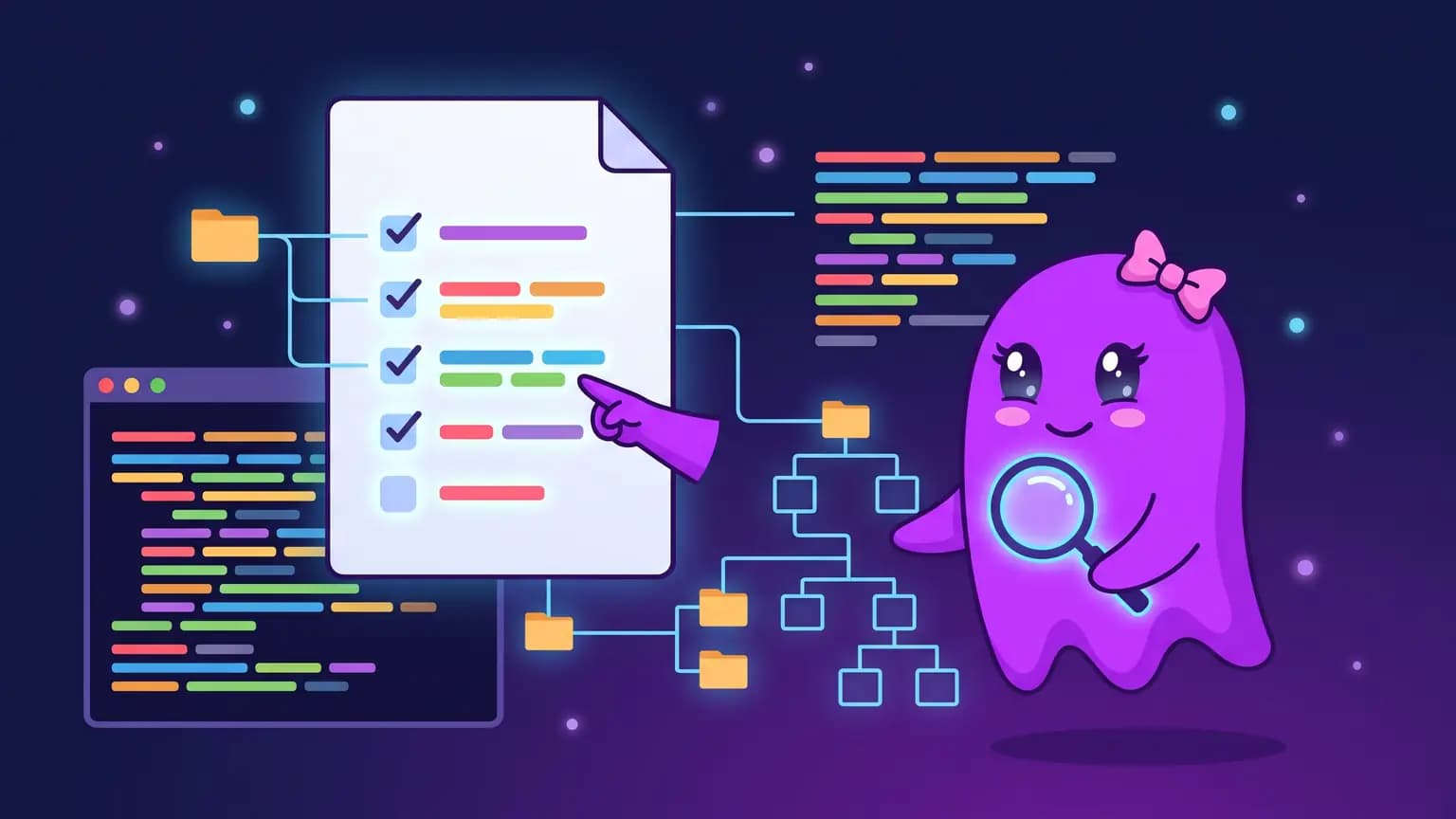
It reads what already documents the project and writes only two things: commands and architecture. The list below comes from the command prompt in src/commands/init.ts.
| Reads | Writes to CLAUDE.md |
|---|---|
README.md | Build, lint and test commands |
Cursor rules: .cursor/rules/ and .cursorrules | How to run a single test |
Copilot rules: .github/copilot-instructions.md | High-level architecture, the kind that takes reading several files to understand |
Existing CLAUDE.md | Suggested improvements instead of a new file |
The prompt also tells the agent to skip the obvious: no "write unit tests", no listing every file, and no made-up sections like "Development tips" that are not in some file it read. The result tends to be short, and that is on purpose.
Can I migrate from Cursor or Copilot with /init?
Yes, and it is the fastest way. If the repository has .cursorrules, .cursor/rules/ or .github/copilot-instructions.md, /init is instructed to carry the important parts into CLAUDE.md. You do not need to copy rule by rule: run the command and check that what mattered made it in.
How do I review the generated CLAUDE.md?
Read each line and ask: without this, would the agent get it wrong? If not, cut it. Everything in the file goes into the context of every session, and the code sets 40,000 characters as the recommended maximum per file.
# CLAUDE.md

## Commands
- Install: pnpm install (never npm)
- Tests: make test
- Single test: pnpm vitest run src/api/users.test.ts

## Architecture
- src/api exposes REST; src/jobs runs the queues. Both read src/core.
- Migrations live in db/migrations, generated with make migration name=...
To edit it later, use /memory, which opens the file in your editor. Personal rules that should not go to git belong in CLAUDE.local.md, outside /init.
What if the repository already has AGENTS.md?
Keep a single root file. In the same folder, Verboo Code loads AGENTS.md and only uses CLAUDE.md when AGENTS.md does not exist. The two do not add up. If you end up with both after /init, move the new content into AGENTS.md and delete the other one:
cat CLAUDE.md >> AGENTS.md
rm CLAUDE.md
Then open AGENTS.md and remove anything duplicated. If the repository has no AGENTS.md, the generated CLAUDE.md is the project file and none of this is needed.
When should I run /init again?
After a structural change: a new package manager, a new service in the monorepo, a different test command. With CLAUDE.md already in place, /init proposes improvements instead of starting over, so you review the diff and accept what makes sense. To adjust something specific, ask in the next message, for example: "add how to run the integration tests".
How does this fit with the other commands?
- /plan already builds its plan following the instruction file.
- /context shows how much of the context the file takes.
- Instructions are requests, not locks. To really block a command, use /permissions.
/init reads the README, manifests and old rules before writing a single line, and rerunning it after each big refactor is what keeps the file useful. On Verboo Code tokens are unlimited, so rescanning the repository costs nothing: create your account at verboo.ai, open the CLI at the project root and run /init.