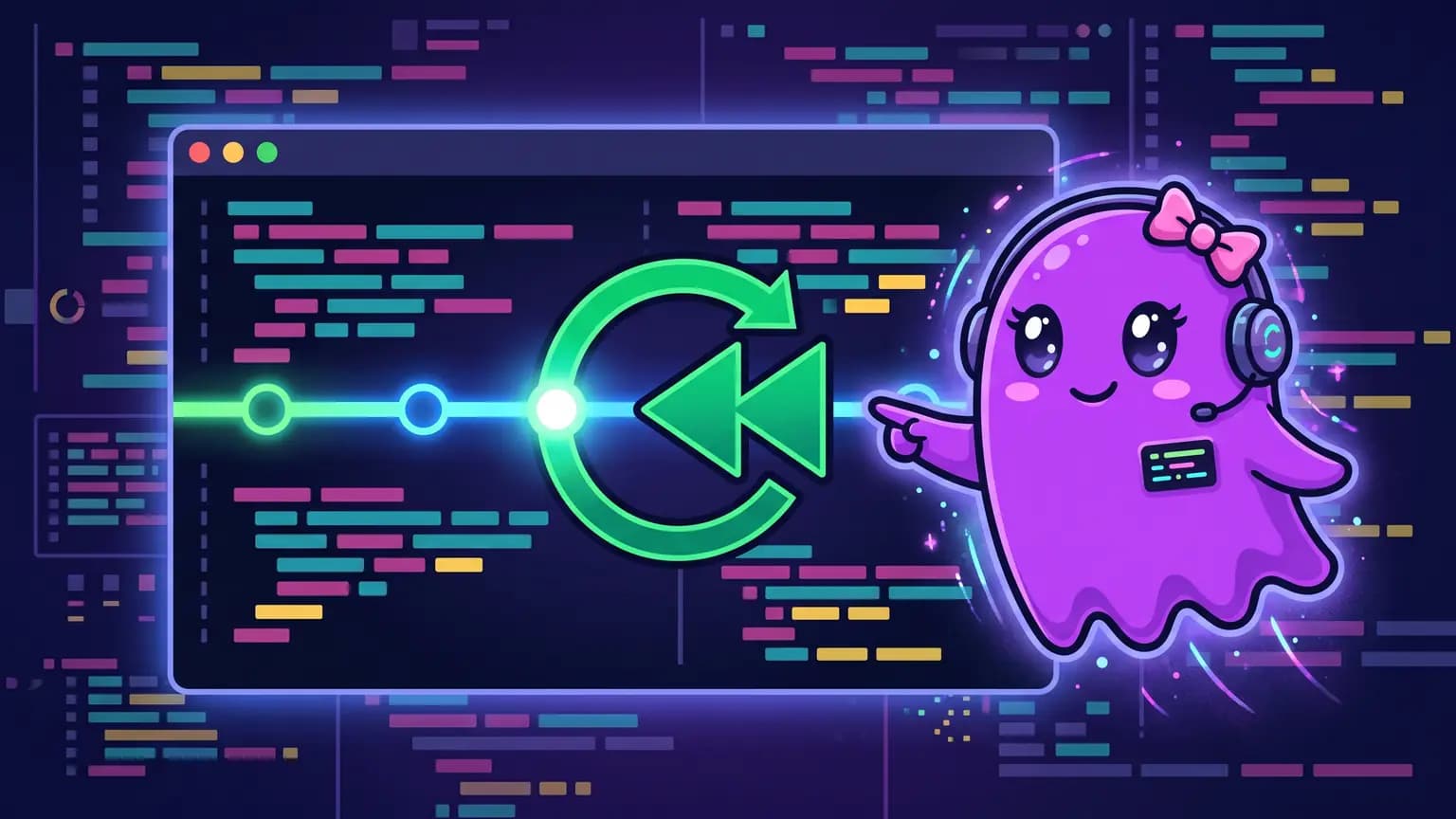
The agent edits three files, and the result isn't what you asked for. The obvious way out is chasing every change down with git diff and reverting by hand, or asking the agent itself to undo it and hoping it remembers exactly what changed. Verboo Code has a dedicated command for this, which restores code and conversation together or separately.
How do I undo a code edit Verboo Code just made?
Type /rewind (the /checkpoint alias does the same thing) and hit Enter. A picker opens with the current session's messages; choose the point you want to restore and decide what comes back: just the code, just the conversation, or both.
What shows up in the picker before I confirm?
Each message in the list shows how many files it changed, with the total +insertions and -deletions, before any restore happens. You can gauge the size of the change without opening a single file.

What are the restore options?
| Option | What comes back | What stays the same |
|---|---|---|
both | code and conversation | nothing |
conversation | just the conversation | the files as they are now |
code | just the code | the conversation as it is now |
When file tracking isn't available for that message, the only option shown is conversation: Verboo Code doesn't restore code that has no saved snapshot.
Does restoring the conversation delete what came after?
No. Restoring the conversation forks the session from the chosen point: the path after that point drops out of view, but nothing is actually deleted. That's different from /compact, which summarizes history instead of rewinding it.
Is rewind on by default, or do I need to enable something?
In a regular interactive session, file tracking (which enables code restore) is on by default. It only turns off if someone sets CLAUDE_CODE_DISABLE_FILE_CHECKPOINTING=1.
Running via the SDK or in non-interactive mode is the opposite: tracking is off by default, and needs the CLAUDE_CODE_ENABLE_SDK_FILE_CHECKPOINTING=1 variable to turn on. Either way, each session keeps up to 100 restore points; past that, the oldest ones drop off the list.
What /rewind doesn't undo
Literal warning from the tool itself, shown on the confirmation screen: "Rewinding does not affect files edited manually or via bash."
If you opened the file in an external editor, or a terminal command changed its content directly, Verboo Code has no way to track that: only what the agent itself edited or created enters the history. Restoring the conversation still works normally, but the file stays exactly as it was.
Having a free way back changes how you try things: instead of weighing whether a bigger refactor is worth the risk, you let the agent try it, knowing the worst case is a /rewind. On Verboo Code that fifth attempt costs the same as the first, because tokens are unlimited.