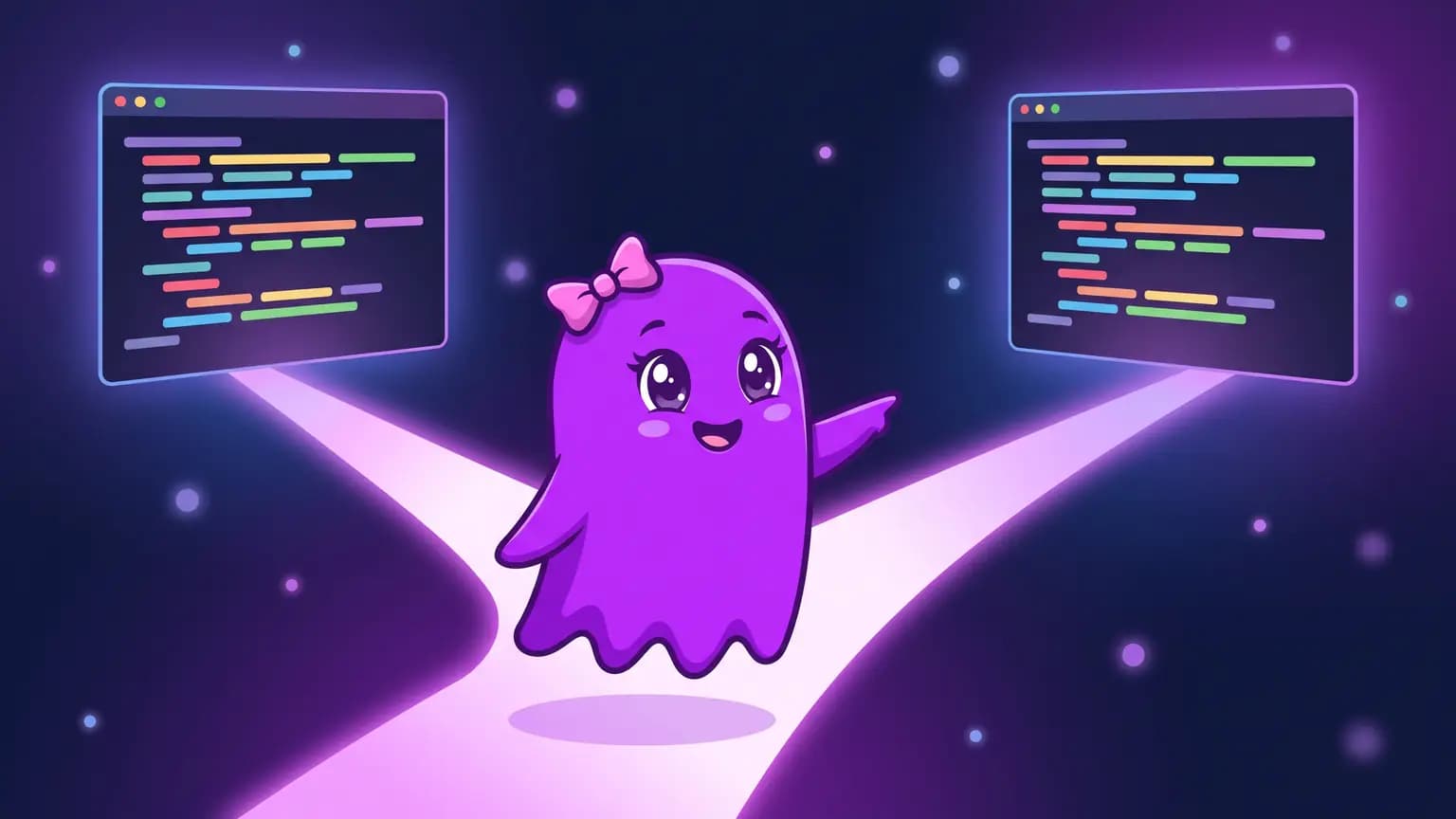
You are deep into a long session, the agent already understands the project, and a question comes up: what if we swapped the in-memory cache for Redis? Trying it in the same conversation mixes both ideas in the history. Opening a new session throws away all the context. The /branch command in Verboo Code covers the middle ground: it copies the whole conversation up to that point and puts you in the copy, with the original kept intact.
What does /branch do in Verboo Code?
It creates a new session with every message from the current conversation, gives it a new ID and moves you into that copy right away. The original session is not changed and stays available in /resume.
Under the hood, the CLI reads the current session file, copies the main conversation messages into a new file and tags each one with its origin (forkedFrom, holding the original session and message IDs). Both sessions live in the same projects directory, ~/.claude/projects/, or the path in VERBOO_PROJECTS_DIR if you set that variable.
How do you fork the conversation, step by step?
Inside the session, type /branch followed by an optional name:
/branch teste-redisThe CLI replies with Branched conversation "teste-redis". You are now in the branch. and, on the next line, shows the ID of the original session. From then on, everything you ask stays in the branch.

What name does the branch get?
The name you pass, or the first message of the conversation if you pass nothing, always with the (Branch) suffix. If a branch with the same name already exists, the CLI numbers the next one.
| You type | New session title |
|---|---|
/branch teste-redis | teste-redis (Branch) |
/branch teste-redis again | teste-redis (Branch 2) |
/branch with no name | up to 100 characters of the first message, plus (Branch) |
Naming it pays off: that is the title shown in the /resume picker, and it is how you will find the copy later.
How do you go back to the original conversation?
Through the session picker or straight by ID. Both show up in the list, the original with its usual title and the copy with (Branch) at the end:
/resumeOr, from the terminal, with the ID the CLI showed when you forked:
verboo -r <original-session-id>If the session belongs to another project, the guide to /resume across projects shows how to find and resume it.
Can you fork without being inside the session?
Yes, with --fork-session. It works together with --continue or --resume and opens the chosen session under a new ID, instead of continuing to write to the same one:
# fork the most recent session in this folder
verboo -c --fork-session

# fork a specific session
verboo -r <session-id> --fork-session
If you want to choose the copy's ID, --session-id is only accepted alongside --continue or --resume when --fork-session is also on the command line.
Gotcha: /branch copies the conversation, not the code. It does not create a git branch, does not copy files and does not isolate the folder. If the agent edits files in the branch, the edits land in the same directory the original session uses. To try an alternative implementation without touching the original, create a git branch or a worktree first:
git switch -c teste-redis
# or, in a separate folder:
git worktree add ../meu-projeto-redis -b teste-redis
If all you need is to undo an edit the agent just made, use /rewind.
When should you use /branch instead of /clear or a new session?
| Situation | Command | Why |
|---|---|---|
| Try another approach without losing the current reasoning | /branch | Both lines keep the full context up to the fork point |
| New topic, unrelated to the conversation | /clear | Earlier context would only get in the way |
| Conversation too long, same topic | /compact | Summarizes the history and keeps going in the same session |
| Undo the agent's last edit | /rewind | Restores the code and the conversation to an earlier point |
Every branch is a full conversation running in parallel, with the whole history read again by the model on each message. On Verboo Code the plans run with unlimited tokens, so trying the third approach costs the same as trying the first.